System Integration

Stop Making People Be the Integration Between Your Systems.

When applications do not share the information your business needs, employees become the bridge. Integration can reduce duplicate entry, speed up handoffs, improve data consistency, and make existing software more valuable.

The Integration Problem

Your Systems May Work Fine Individually—and Still Create a Bad Process Together

Integration becomes valuable when people are acting as the connection between applications: exporting, importing, re-keying, reconciling, emailing files, or checking multiple systems to understand one transaction.

Duplicate Data Entry

The same customer, order, inventory, or financial information is entered more than once.

Conflicting Information

Different systems show different answers and employees have to decide which one is right.

Slow Handoffs

One department waits for another person to export, email, approve, or re-enter data.

Manual File Transfers

CSV, Excel, PDFs, or flat files are moved by hand even though the exchange is predictable.

Disconnected Customer Experience

Customers or employees cannot see information because it lives in a separate system.

Legacy Systems Feel Isolated

Older software still works but cannot easily participate in newer business processes.

How Systems Can Connect

An API Is One Option—Not the Definition of Integration

Modern APIs are ideal when they exist, but real businesses often have a mix of cloud software, databases, files, older applications, devices, and vendor limitations. We choose the least fragile connection that fits the situation.

API Integration

Use supported application interfaces to exchange data reliably.

  • REST and web APIs
  • Authentication and security
  • Webhook/event processing
  • Error handling and retry

Database Integration

Connect at the data layer when appropriate and safe.

  • SQL data exchange
  • Read-only reporting feeds
  • Staging databases
  • Synchronization and validation

File-Based Integration

Automate structured exchanges where APIs are unavailable or unnecessary.

  • CSV and Excel
  • SFTP and secure files
  • Scheduled imports/exports
  • Vendor file formats

Legacy Application Integration

Extend the useful life of older systems by connecting them to newer workflows.

  • Middleware and adapters
  • Database bridges
  • Screen/process automation when needed
  • Incremental modernization

Device & Equipment Integration

Move useful information between software and physical systems.

  • Scales and scanners
  • Manufacturing equipment
  • Serial and network devices
  • Shop-floor data collection

Integration Monitoring

Treat integration as an operational process, not a one-time script.

  • Logging and audit trails
  • Alerts and exceptions
  • Data validation
  • Recovery and reconciliation
A Connected Process

Integration Should Remove a Handoff the Business Can Feel

The technical connection matters, but the business result is what makes the project worthwhile.

Source System

ERP, CRM, accounting, custom software, database, machine, or vendor platform.

↔

Integration Layer

Rules, translation, validation, security, scheduling, monitoring, and exception handling.

↔

Business Outcome

Less re-entry, faster processing, consistent data, better visibility, and fewer missed steps.

Can It Be Integrated?

Usually, the Answer Is “There Is a Path”—But the Path Matters.

Some products provide clean, well-documented APIs. Others expose only part of the data. Older systems may require database access, scheduled files, vendor exports, middleware, or a carefully designed workaround.

Before committing to an approach, we look at access, data ownership, security, transaction volume, error recovery, vendor restrictions, and what happens when one side is unavailable.
Questions worth answering early

  • Which system is the source of truth?
  • Does data move one way or both?
  • How quickly does it need to move?
  • What happens when a record fails?
  • Who needs visibility into exceptions?
  • Will vendor or licensing restrictions affect the design?
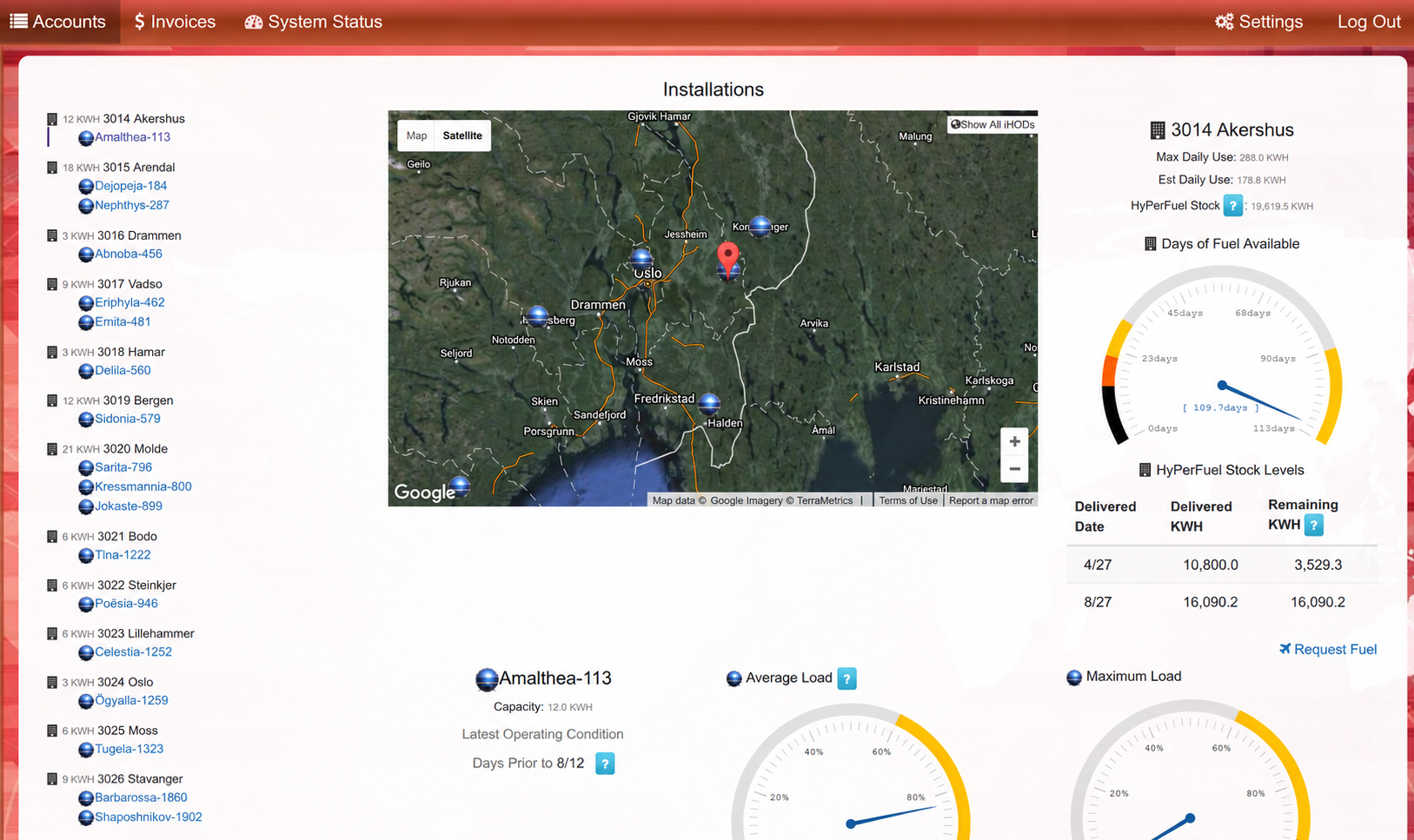
System integration dashboard showing connected business data and workflows
System Integration Example

Connect Disconnected Systems Into One Reliable Workflow

A custom integration can move data between systems automatically, reduce duplicate entry, and help information flow where it needs to go without forcing teams to change the tools they already rely on.

Explore more projects →

Client Perspective

What a Client Says

“My experience with the development efforts of Tornado Technologies has been nothing short of outstanding. Tornado’s expertise and professionalism has allowed for a smooth implementation of the Virginia Inspection/Maintenance program. The software developed by Tornado for the New York Inspection/Maintenance program is excellent and has also allowed for a near flawless program implementation. Their commitment to top quality work is what impresses me the most. I very much look forward to working with them on future projects.”

— Dan Justice, Program Manager, State of Virginia Vehicle Inspection/Maintenance Program
Examples

System Integration Projects

We have connected business applications, databases, cloud products, accounting systems, manufacturing systems, files, and equipment.

Accounting

Business System ↔ Accounting

Eliminate duplicate entry by moving approved transactions into financial software.

Manufacturing

ERP ↔ Production

Share orders, status, inventory, and production information across office and shop-floor systems.

Data

Multi-System Data Hub

Bring information from several sources together for reporting or downstream processing.

Legacy

Legacy App ↔ Modern Platform

Keep a valuable older system while allowing it to participate in newer workflows.

Equipment

Scale / Scanner / Device Integration

Capture data directly from equipment instead of asking employees to re-key it.

Vendor

Third-Party Platform Integration

Automate transactions with customer, supplier, logistics, or industry platforms.

FAQ

Common
Questions

We work with many different business applications, databases, ERP systems, reporting tools, and custom software platforms.

Often, yes. Many integration projects are specifically designed to help organizations extend the value of existing software investments.

Not necessarily. In many cases, integration and automation can provide significant improvements without requiring a complete replacement.

System integration focuses on helping software applications, databases, and business systems communicate with one another.

Automation focuses on reducing manual work by allowing information, approvals, notifications, and processes to move automatically.

In many cases, organizations benefit from both. Connected systems create the foundation, while automation helps those systems work more efficiently together.

You may benefit from integration or automation solutions if:

  • Employees enter the same information into multiple systems.
  • Important data exists in spreadsheets throughout the organization.
  • Teams spend hours creating reports.
  • Information is difficult to locate.
  • Systems don’t communicate with one another.
  • Employees manually move information between software platforms.
  • Delays occur because approvals or notifications rely on email.
  • Leadership lacks visibility into operational performance.

If any of these challenges sound familiar, there may be opportunities to improve efficiency through system integration and workflow automation.

Many repetitive, rules-based processes can be automated, including:

  • Report generation
  • Approval workflows
  • Notifications and alerts
  • Data synchronization
  • Inventory updates
  • Customer communications
  • Form processing
  • Operational workflows

The goal is to reduce manual effort, improve accuracy, and help employees focus on higher-value work.

Absolutely. Many clients begin with a conversation about challenges and inefficiencies before any specific solution has been identified.

Next Step

Which Systems Are Creating Manual Work Between Them?

Tell us what your team is moving by hand today. We can help determine whether the systems can be connected and what level of integration is worth the investment.

Schedule A Call